

Sulvo is an ad server so tags must be run directly from the page to work correctly
Sulvo's ad server has 2 tags that must be placed and run directly from the page: the head tag and the body tag.
The head tag must be placed between
<head>and</head>.The body tag must be placed between
<body>and</body>.
The most obvious way to know if your Sulvo tags are correct is to see the ads on the page or look at your Reports, keeping in mind that this data is delayed between 1-2 hours. Assuming that ads.txt has been configured correctly, you should see ad requests and impressions on your ad units. Ad request with no impressions typically means there is an ads.txt issue, bearing in mind that ads.txt can take 48-96 hours to propagate. Beyond this, if there is an issue with ad requests or impressions it is likely due to a problematic implementation.
How to verify that ad tags are running from the correct section
The best way to determine if your ag tags are running form (not just placed in) the correct section, we recommend using the Chrome Inspect tool.
Tip: We do not recommend just looking at the source code to determine where the tags are running because it can be inaccurate.
Tip: If you placed the head tag in the head section, but it is being run from the body, please place the head tag higher in the head section, a script may be inserting a break or pushing the head tag down.
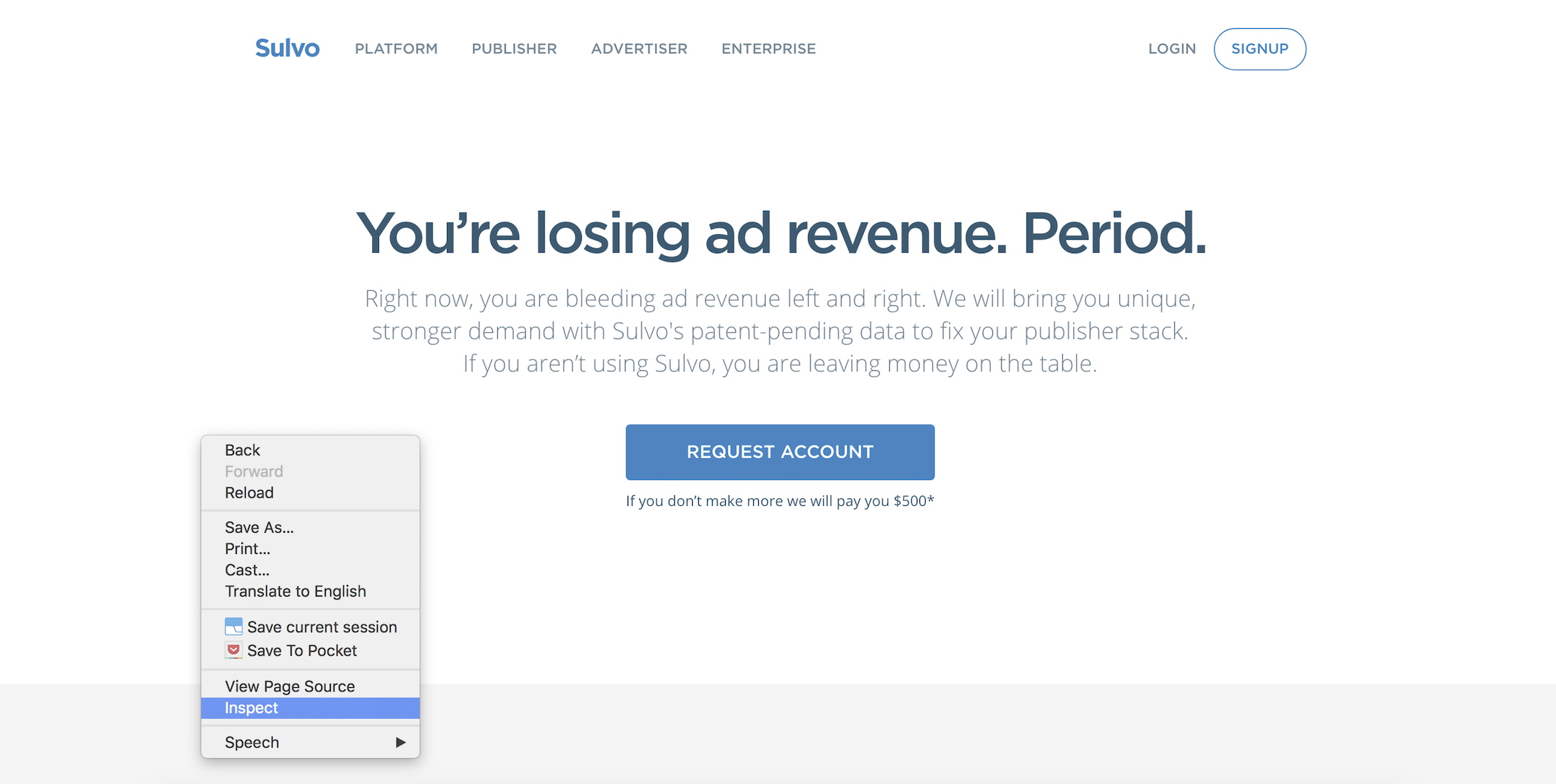
To use the tools, in Chrome, right-click on the page with your Sulvo-powered ads (or choose View--Developer--Developer Tools).
In the Elements window, ensure that the head tag is being run from the head section, the body tag is running from the body section (this is an example site):
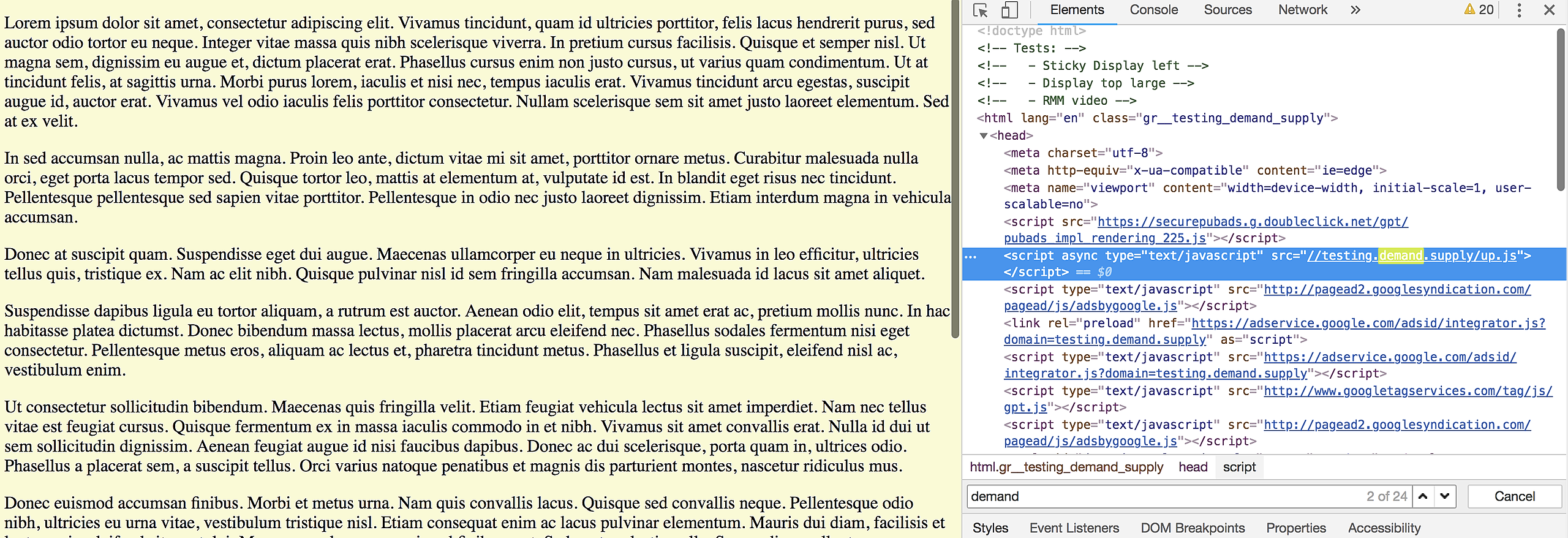
Please keep in mind that the head tag should always be placed as high up in the head section as possible.
For more information on problematic implementations, please see the Problematic Implementations article. For more information about site optimization please see our "How do I optimize page load speed?" article.