
What is it?
"Ads.txt" stands for "Authorized Digital Sellers". It is an industry standard that is aimed at eradicating domain spoofing in order to reduce fraud in ad tech. Sulvo supports the ads.txt initiative as it helps to keep our industry clean and it directly increases publisher earnings. All active sites have to have an ads.txt file in order to sell ads with Sulvo. If you do not have one, your revenue is already negatively impacted.
Why?
It is believed that once ads.txt is widely adopted among the top tier publishers, it will help the industry as a whole recover revenue from dishonest players selling fraudulent inventory.
Ads.txt helps publishers by reducing a particular type of fraud called "domain spoofing". Domain spoofing occurs when unscrupulous publishers, ad networks, or exchanges obscure the nature of their traffic to resemble legitimate websites. Once ads.txt is adopted across a large share of the publishers, buyer platforms will start ignoring the fraudulent sources, so there will be more funds directed to legitimate publishers. Sulvo supports ads.txt as it benefits buyers and sellers.
How do I set it up?
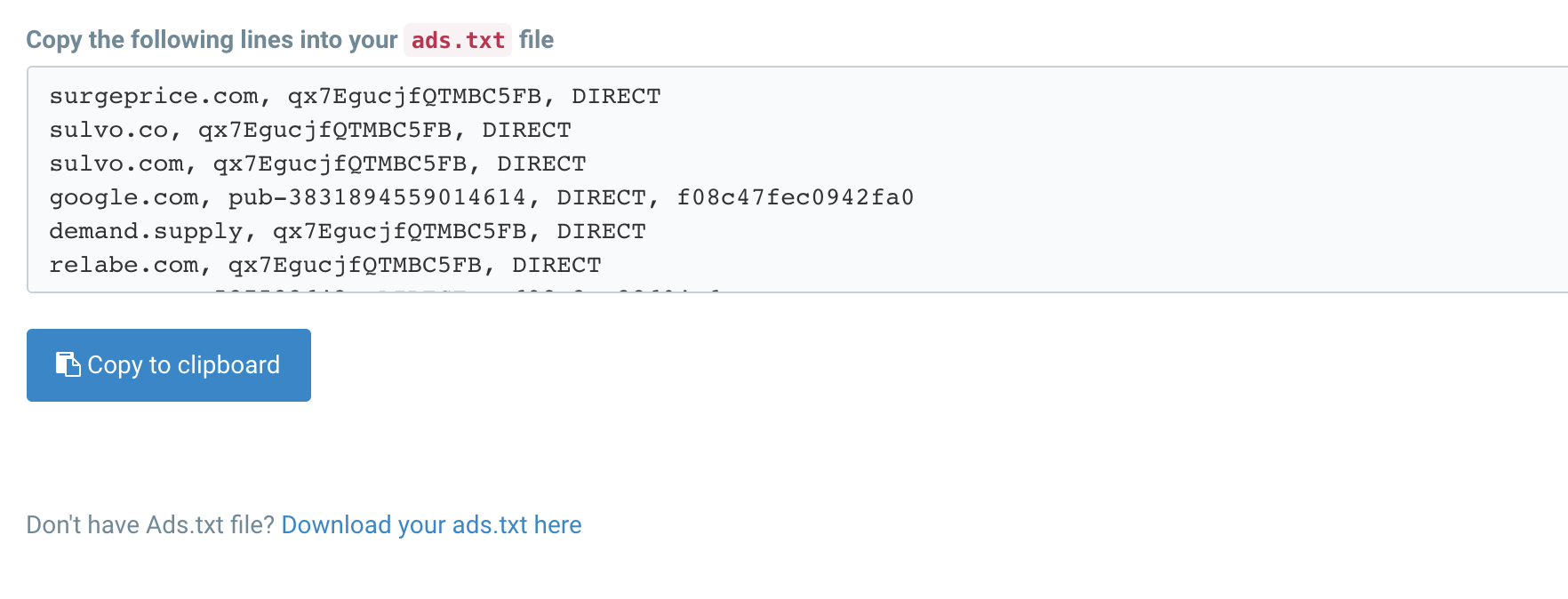
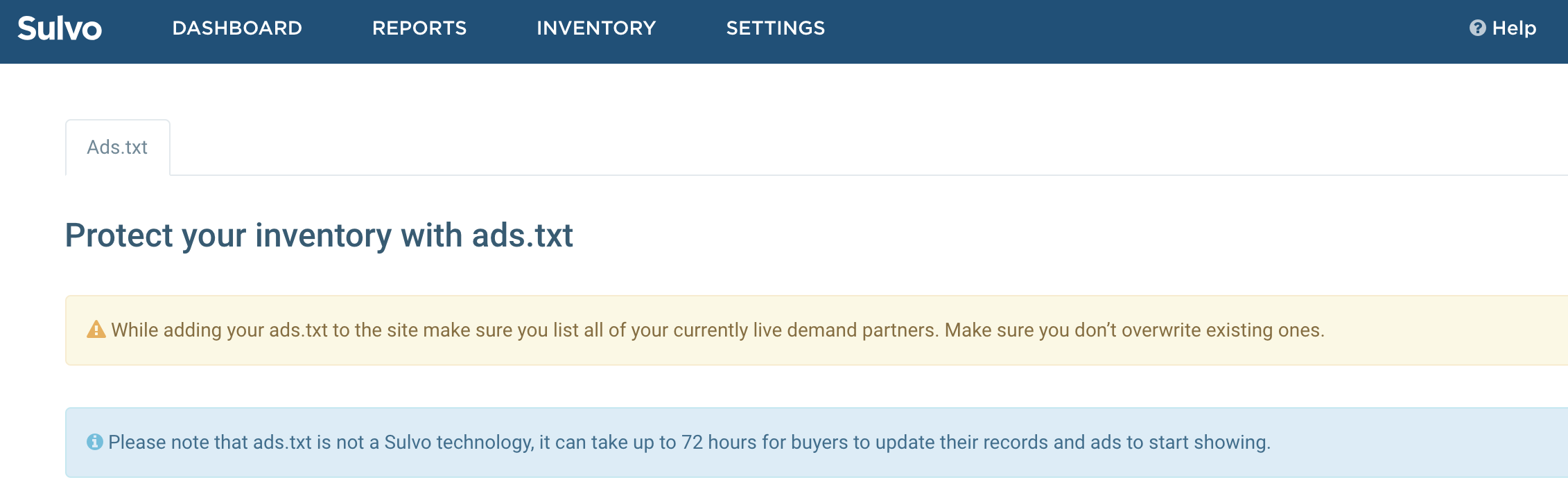
If you go to your Settings section and select the ads.txt tab, follow all of the instructions on that page. Be sure to place all lines in your existing file in addition to and not in place of your existing or other seller lines. If you do not have an ads.txt file yet, you must have one in place to be a Sulvo seller, you can download your file to get you started. This section will also alert you if there are problems with your ads.txt file.
Next step: